P1 to P6 Built on the Singapore syllabus

Practice that starts with a text message

Message WhatsPrep on WhatsApp 
Pick a topic and a difficulty. We send back a link, your child taps it, and their practice is ready. Nothing to install, no new password, no login for you to chase.

  • Nothing to install
  • Marked instantly
  • Free to try
WhatsPrep
WhatsPrep
Business account
Hi, I'd like to start practice
Awesome! 😊 Is your child Chloe in P1?
Yes
Great! Which topic would you like to practise today?
  1. Money
  2. Whole numbers
See more...
2
Perfect! What difficulty would you like? Easy Medium Challenging
Medium
Chloe's practice is ready
Whole numbers · Medium · 10 questions
Tap to openapp.whatsprep.com/homework/launch
Good luck! 🍀
Under 30 secondsfrom text to practice

How it works

Three messages and they're practising

No accounts to set up, no homework to print. The whole thing happens in the app you already have open.

Send a message

Say hello on WhatsApp. WhatsPrep asks which child, and which level they're in.

Pick topic and difficulty

Choose a topic from the list, then Easy, Medium or Challenging. Reply with a number, that's it.

Tap the link

A fresh practice set is generated and sent as a link. Your child opens it in the browser and starts.

Behind the link

Real questions, marked as they go

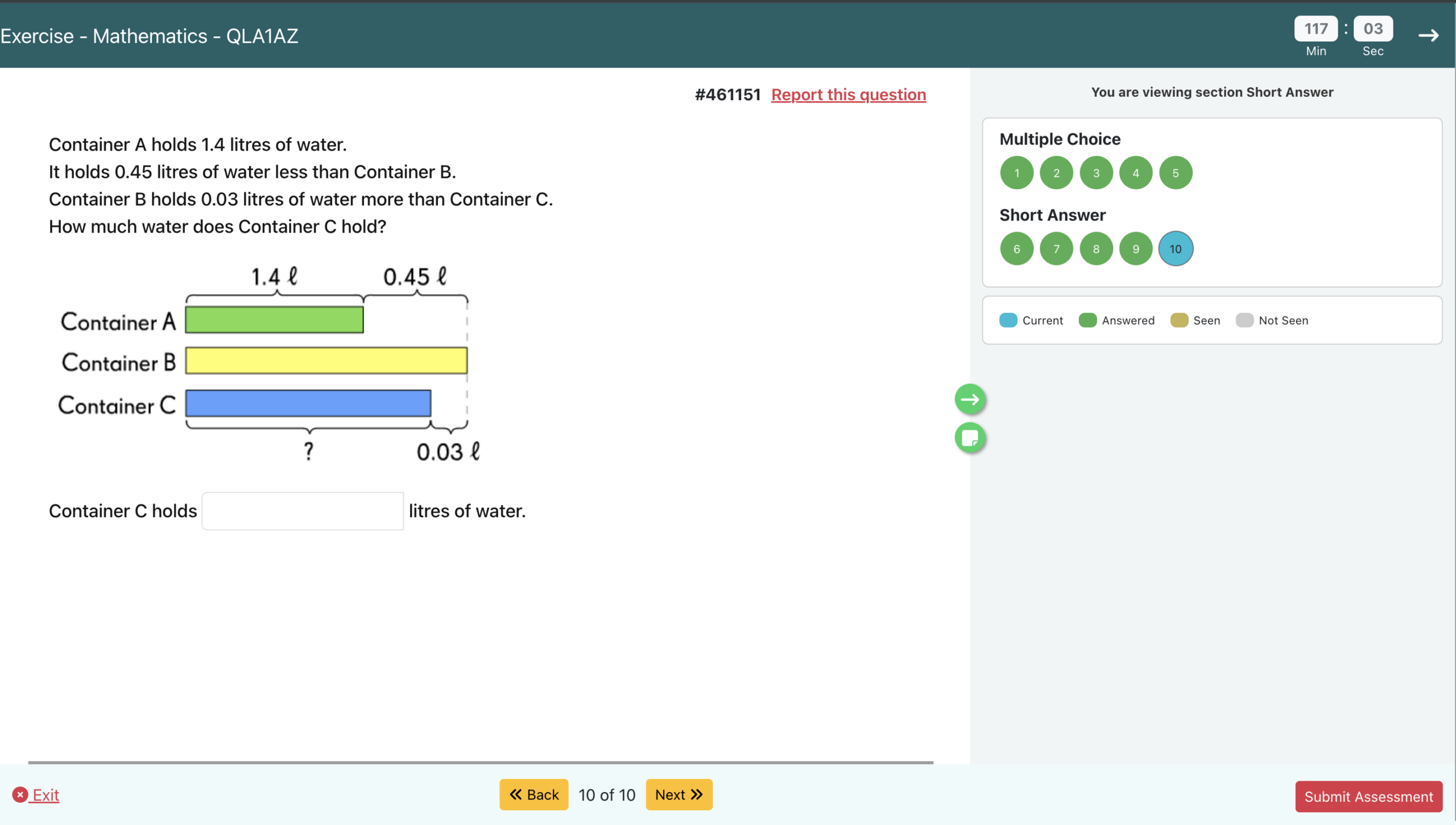
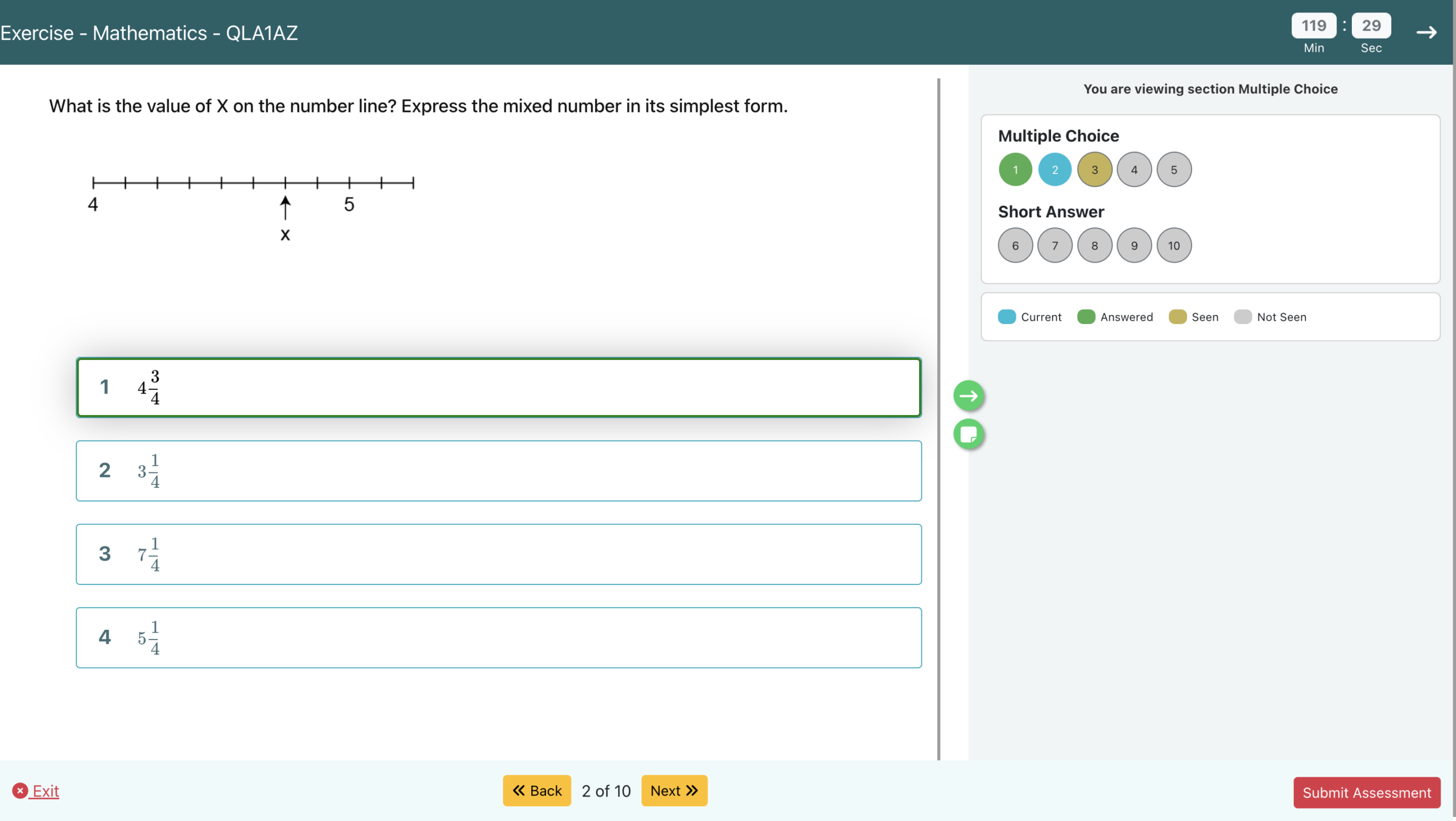
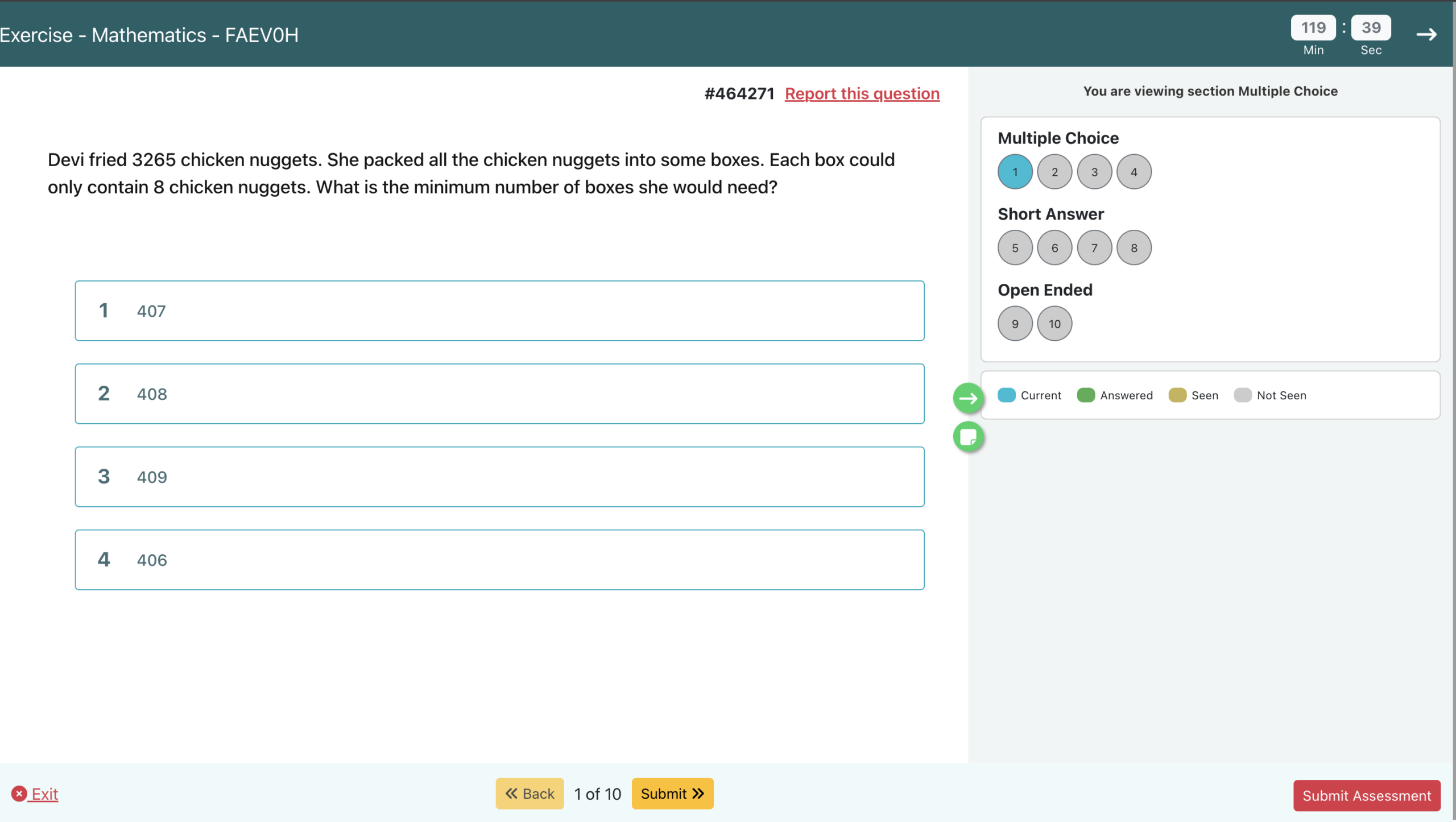
The link opens a clean practice page built for a phone or a tablet. Every answer is marked the moment it's given, with a worked explanation when your child gets it wrong.

  • Freshly generated each timeNo repeated worksheets, so they can't memorise their way through.
  • Explanations, not just ticksA wrong answer shows the working, so the mistake gets fixed there and then.
  • Three difficulty levelsMove from Easy to Challenging as your child gets more confident.
A practice question on a phone An answer marked correct with the working shown The summary at the end of a practice set

Swipe to see more

Every level

Primary 1 through to PSLE

Topics follow the Singapore primary syllabus, so what your child practises is what they'll meet in class. Pick a level to see everything covered.

Chloe · This weekP1
Whole numbers18 / 20
Algebra12 / 20
Fractions7 / 20
Fractions is the weak spot this week. WhatsPrep will send more of these next time.

For parents

You'll know where they stand

You don't need to mark anything or guess how it went. WhatsPrep tracks which topics are landing and which aren't, and adjusts what it sends next.

  • A summary after every setSent straight back to your WhatsApp, no dashboard to log into.
  • Weak topics come back aroundWhat your child struggles with shows up more often until it sticks.
  • More than one childAdd each child once, then just say which one you're practising with.

From parents

Why families keep using it

★★★★★

I used to dig through assessment books and so many websites online. Now I just text Whatsprep and get the practise! Takes about 5-6 minutes each time only!

Alicia GohParent of a P4 student

★★★★★

My P6 child was stuck on Graphs. I asked for quick practices daily. The bit that surprised me was how diverse and unique the questions were.

Vijaylaxmi ShuklaParent of a P6 student
★★★★

The part I liked was not having to install anything. I asked for P4 decimals on a Sunday night and had questions in front of my son in about a minute. I'd use it again, mainly because he'll actually do it on a phone when he won't touch a worksheet.

Nicholas TanParent of a P2 student

Questions

Things parents ask

Does my child need to install anything?

No. The practice opens as a web page in whatever browser is already on the phone or tablet. Nothing to download, nothing to update.

Do the questions come through WhatsApp itself?

No. WhatsApp is where you choose the topic and difficulty. Once that's set, WhatsPrep generates the set and sends a link. Your child taps it and practises on a proper page, which handles diagrams and working out far better than a chat window could.

Which levels and subjects are covered?

Primary 1 through Primary 6, following the Singapore syllabus. Topic lists are shown per level when you start a session.

Can I use it for more than one child?

Yes. Add each child once, then say which one you're practising with at the start of a session. Progress is kept separately.

How much does it cost?

It is currently free!

Is my child's data kept private?

Very little, on purpose. We store your WhatsApp number, your child's first name, level and gender, and their practice results — that's what it takes to pitch questions at the right level. We never ask for your child's school, birth date or contact details, we never sell data, and we never message you beyond the practice you ask for. The full details are in our Privacy Policy.

Start today's practice in one message

Send a text, pick a topic, and the link comes back. It takes less time than finding a worksheet.